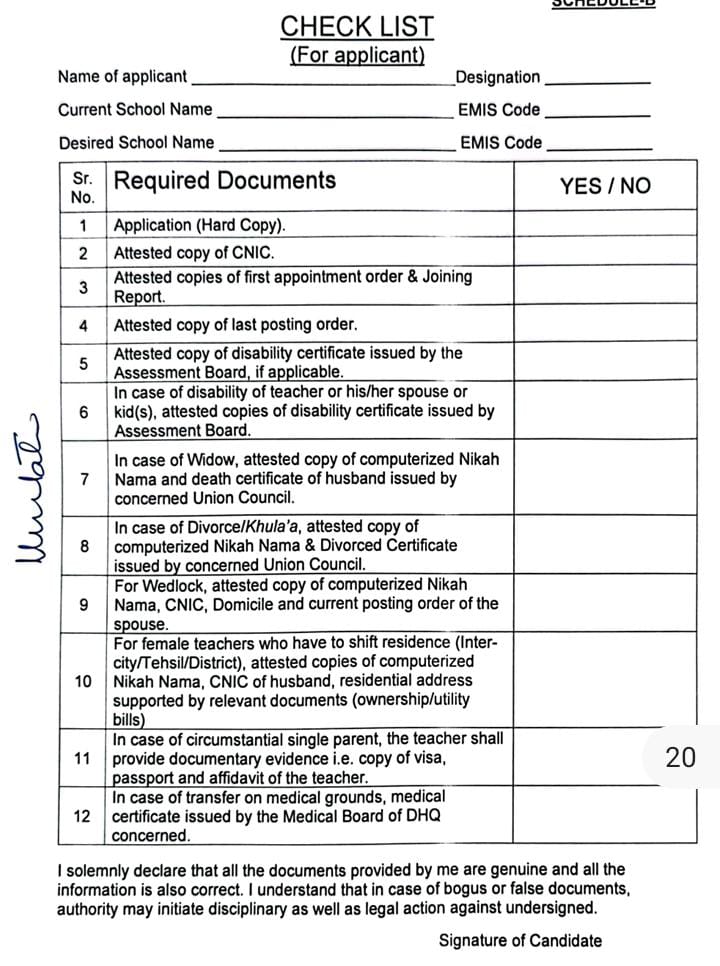
How to check your Hardship Transfer Application school education department
To check your hardship application, follow the steps below.
- Open this link.
https://sis.pesrp.edu.pk/ - Click on Hardship.
- Click on Individual Application.
- In the search, type the EMS code of the school where you have applied and click on Apply.
- Or select your application in the District, Tehsil, Center, Category wise tab and click on Apply. This way, you can check your status.
اپنی ہارڈشپ درخواست چیک کرنے کے لیے درج ذیل طریقہ پر عمل کریں۔
- اس لنک کو اوپن کریں۔
https://sis.pesrp.edu.pk/ - ہارڈشپ پہ کلک کریں۔
- انفرادی درخواست Individual Application پہ کلک کریں۔
- سرچ میں اس سکول کا ای ایم ایس کوڈ لکھیں جہاں درخواست دے رکھی ہے اور اپلائی پر کلک کردیں۔
- یا پھر ضلع ، تحصیل، مرکز، کیٹیگری وائز ٹیب میں اپنی درخواست کے مطابق سلیکشن کریں اور اپلائی پہ کلک کردیں۔ اس طرح اپنا سٹیٹس معلوم کریں۔